Invoice Template for Contractors
Create professional invoices in seconds with this free contractor invoice template. This contractor bill template is perfect for general contractors, and our independent contractor invoice templates are ideal for freelancers and subcontractors. Download in Excel, PDF, or Word format. If you need an invoice for contractor template that is easy to edit, this free contractor invoice template helps you track labor hours, materials, and equipment costs and get paid faster.
“This template saved me hours every week. The Excel calculations are spot-on and clients love the professional look.”
“I've tried at least 5 different invoice templates. This one is by far the most complete for contractors. Has everything I need.”
“Clean, professional, and easy to customize. My clients actually compliment me on how organized my invoices look now.”
See the Contractor Invoice Template
Preview what your professional contractor invoice will look like in each format
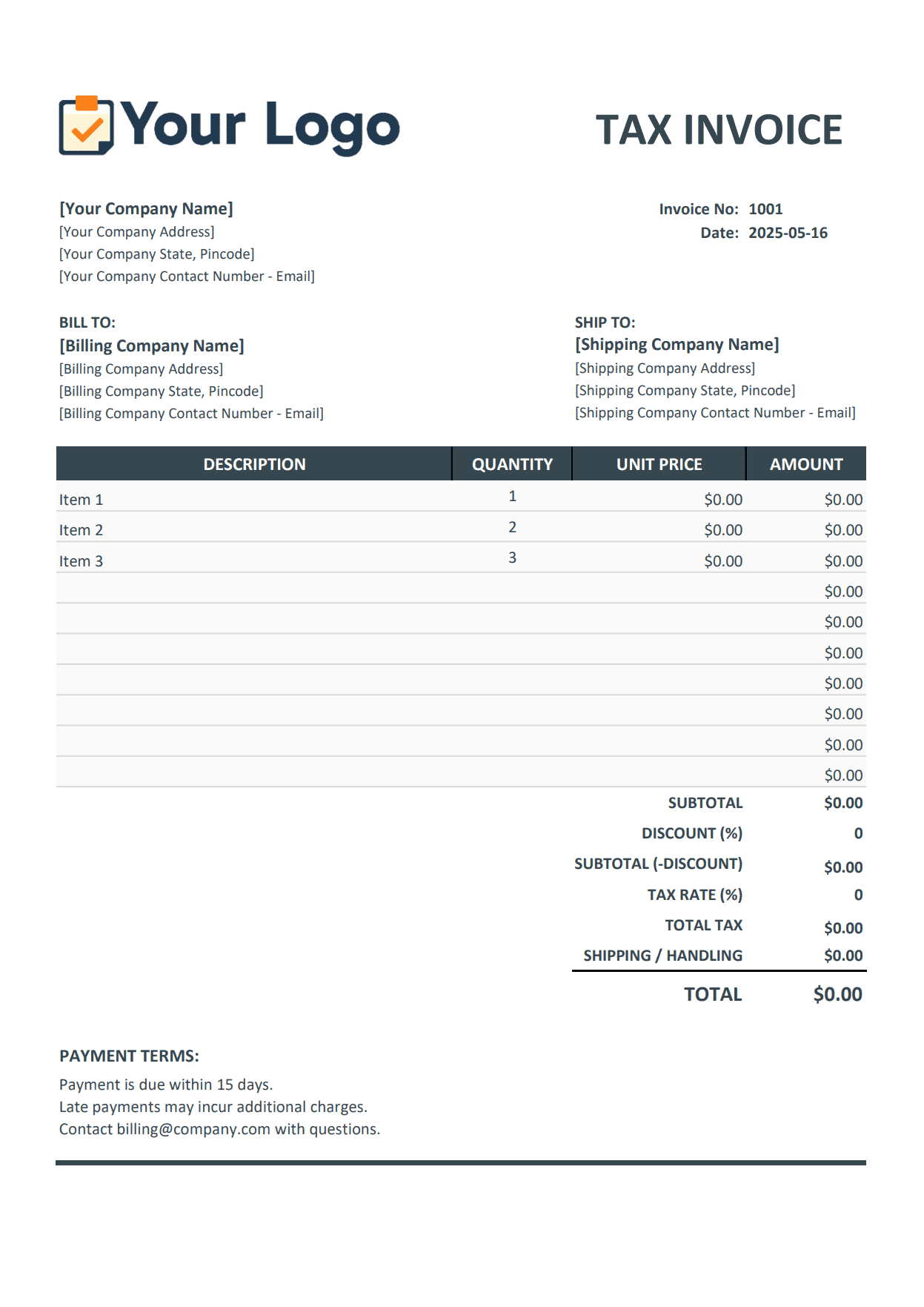
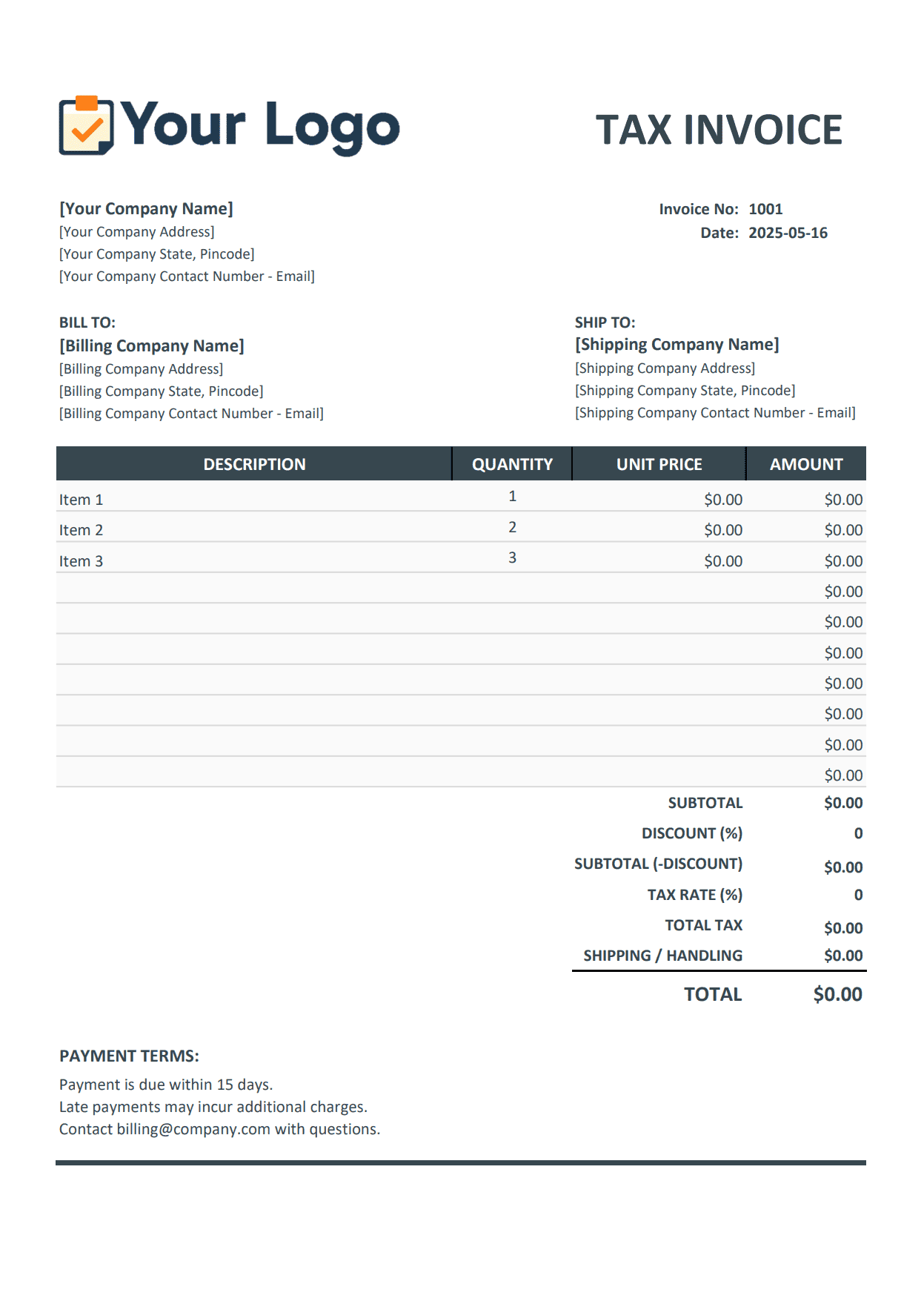
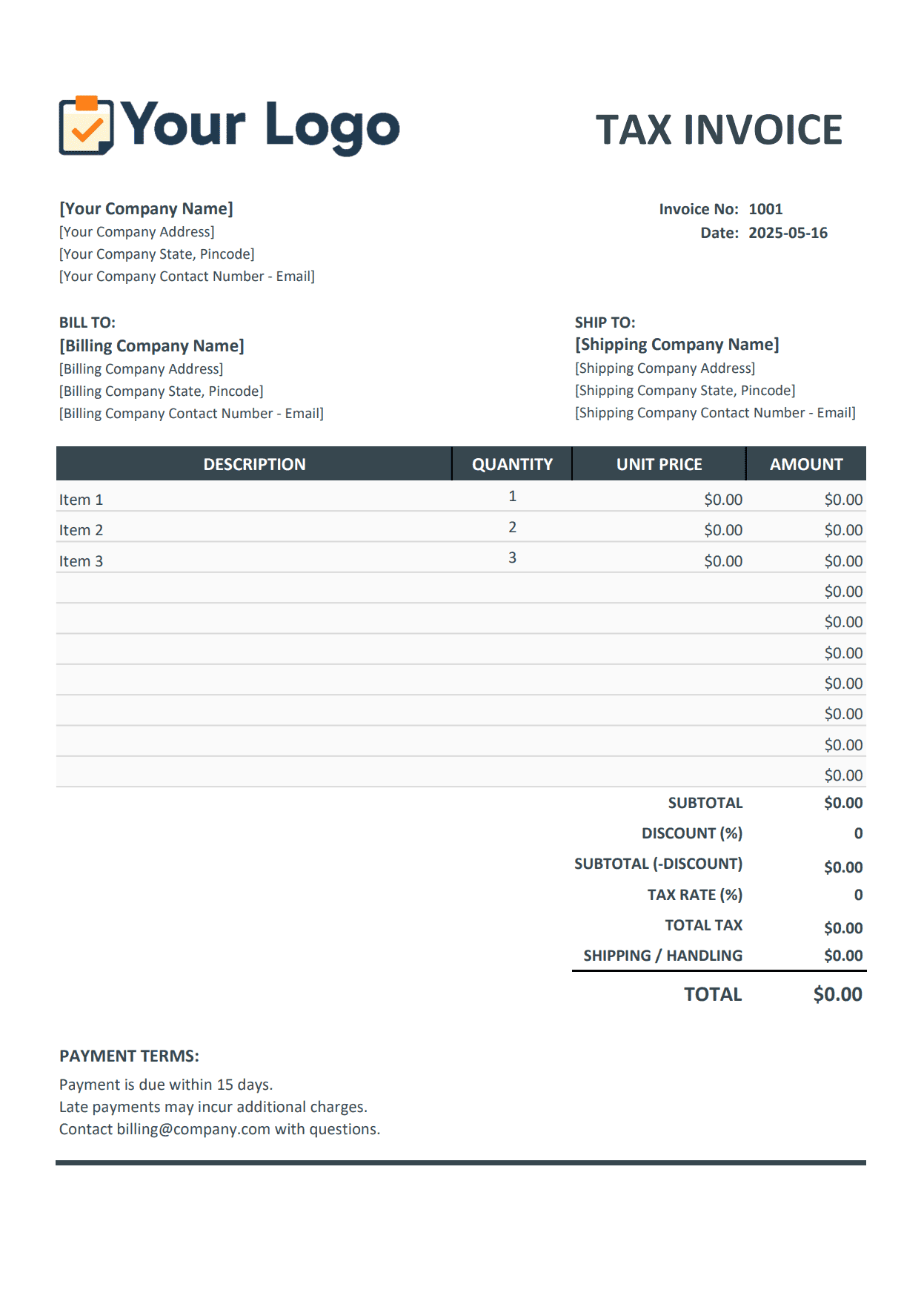
Download Your Free Contractor Invoice Template
Professional contractor billing template for general contractors, subcontractors, and solo pros. If you are looking for an independent contractor billing template, this page gives you a clean layout for labor, materials, and project costs in Excel, PDF, and Word.
Excel Template
Automatic calculations for labor and materials
- Auto-calculate totals
- Track multiple line items
- Built-in tax formulas
PDF Template
Professional format ready to send
- Client-ready format
- Print or email
- Looks professional
Word Template
Easily edit and customize
- Full editing control
- Add custom sections
- Simple to modify
No signup required • Free forever
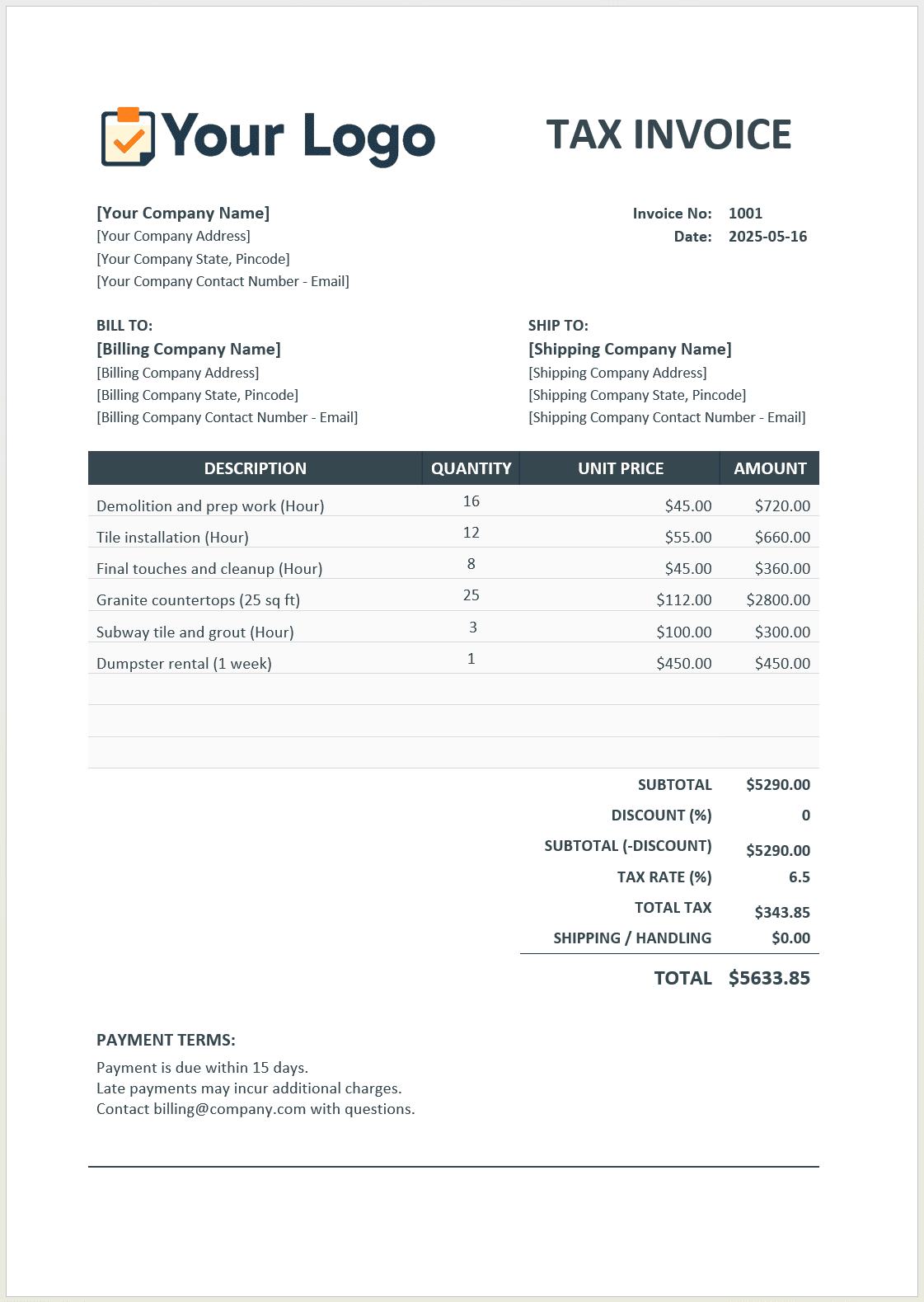
Sample Contractor Invoice - Filled Example
See a complete sample contractor invoice with realistic project details, labor costs, materials, and equipment rental charges. This invoice for contractor template example helps you understand what to include before sending your bill.
Ready to create professional invoices like this?
Choose the Right Contractor Billing Invoice Template Format
Compare Excel, PDF, and Word formats to find the best contractor billing invoice template setup for your contracting business.
Pro tip: Most contractors create invoices in Excel, then save as PDF before sending to clients
| Feature | Excel | PDF | Word |
|---|---|---|---|
| Auto-calculate totals | |||
| Edit on mobile | Limited | View only | Limited |
| Professional appearance | Good | Excellent | Good |
| Easy to customize | Good | Cannot edit | Excellent |
| Tax calculations | Auto | Manual | |
| Client cannot alter | |||
| Works offline | |||
| Best for | Creating invoices | Sending to clients | Custom layouts |
Auto-calculate totals
Edit on mobile
Professional appearance
Easy to customize
Tax calculations
Client cannot alter
Works offline
Best for
Everything Contractors Need to Invoice Clients
Professional invoicing tools designed specifically for contractor businesses, including a flexible contractor billing template you can customize quickly.
Labor & Materials Breakdown
Separate sections for labor hours at different rates, materials with quantities and costs, equipment rentals, and subcontractor fees. Track every dollar clearly for client transparency.
Project Details & References
Fields for project name, location, contract number, purchase order, and client information. Keep all essential project details organized on every invoice.
Multiple Payment Options
Include payment terms, due dates, and accepted payment methods. Track deposits, progress payments, and final balances easily.
Professional Appearance
Clean, organized layout that looks trustworthy and established. Add your business logo and contact information for a polished presentation.
Tax Calculations Built-In
Automatic tax calculations in Excel format. Clearly show subtotals, applicable taxes, and final amounts due.
Customizable Template
Fully editable to match your contracting business needs. Add custom fields, modify sections, or adjust the layout as needed.
Contractor Invoice Templates for Every Type of Contractor
Whether you're a general contractor, independent contractor, or subcontractor, this template adapts to your needs. It also works well when you need an independent contractor billing template with simple, client-friendly wording.
General Contractor
Perfect for billing homeowners or commercial clients for complete construction projects
Key Features:
- Track multiple subcontractors on one invoice
- Handle change orders and extras
- Milestone billing for large projects
- Include permit and inspection fees
- Manage deposits and progress payments
Best For:
Use this template when managing complete projects like home remodels, additions, new construction, or commercial build-outs where you coordinate multiple trades.
Independent Contractor
Ideal for solo contractors and freelance tradespeople billing for services
Key Features:
- Simple hourly or flat-rate billing
- Track your labor and materials separately
- Professional format for 1099 work
- Easy to customize for your specialty
- Quick invoicing for small jobs
Best For:
Perfect for independent tradespeople doing handyman work, small repairs, installations, or specialized services as a sole proprietor.
Subcontractor
Designed for subcontractors billing general contractors or project managers
Key Features:
- Reference PO and project numbers
- Include insurance certificate information
- Track lien waiver requirements
- Bill for specialty trade work
- Clear payment terms for B2B invoicing
Best For:
Use when billing general contractors for your specialty work - electrical, plumbing, HVAC, drywall, roofing, or other trade services.
All contractor types can use the same template - customize it for your needs
How to Use Your Contractor Invoice Template
Follow these simple steps to create your first invoice
Download Your Preferred Format
Choose Excel for calculations, PDF for final delivery, or Word for flexible editing.
Add Your Business Information
Include your contractor business name, license number, address, phone, and email.
Enter Client & Project Details
Fill in client name, project location, contract reference, and invoice number.
Itemize Your Work
List labor hours, material costs, equipment rentals, and any subcontractor expenses.
Send & Get Paid
Add payment terms, send to your client via email or print, and track payment status.
Want to skip these steps entirely?
With Invoice Mama, your business details are saved once and auto-filled on every invoice. Create invoices in seconds, not an afternoon.
Try Invoice Mama FreeWhat to Include on Your Contractor Invoice
Common line items contractors charge for across residential and commercial projects
Labor Costs
- General labor (hourly rate)
- Skilled labor (carpenter, electrician, plumber)
- Foreman or supervisor hours
- Apprentice or helper hours
- Overtime rates (evenings, weekends)
- Travel time to job site
- Setup and cleanup labor
Materials
- Building materials (lumber, drywall, concrete)
- Hardware and fasteners
- Paint and supplies
- Electrical materials
- Plumbing fixtures
- Flooring materials
- Roofing materials
- Insulation
- Windows and doors
Equipment & Tools
- Equipment rental (excavator, lift, scaffolding)
- Tool rental
- Generator rental
- Compressor rental
- Saw and tool usage fees
- Truck and hauling charges
Subcontractor Services
- Licensed electrician work
- Licensed plumber work
- HVAC contractor
- Specialty trades (tile, flooring, roofing)
- Equipment operator
- Drywall contractor
Additional Charges
- Permits and inspection fees
- Disposal and dumpster fees
- Travel expenses
- Parking fees
- Storage fees
- Change orders and extras
- Rush job premium
Invoice Tips by Contractor Specialty
Industry-specific line items and invoicing guidance for different types of contractors
HVAC Contractors
Common Line Items:
- •Service call fee / diagnostic fee
- •System installation (furnace, AC unit, heat pump)
- •Refrigerant and coolant charges
- •Ductwork installation or repair
- •Thermostat and controls
- •Annual maintenance contracts
- •Emergency after-hours premium
Invoicing Tip
Always specify SEER ratings for equipment, refrigerant type and quantity, and warranty information. Many HVAC jobs require permits - bill these separately.
Electrical Contractors
Common Line Items:
- •Permit fees and inspection costs
- •Per-outlet or per-fixture pricing
- •Panel upgrades and subpanels
- •Wire and conduit materials
- •Light fixtures and switches
- •Troubleshooting and repair time
- •Code compliance work
Invoicing Tip
Include your electrical contractor license number on every invoice. Specify circuit breaker ratings, wire gauges, and any code compliance certifications.
Plumbing Contractors
Common Line Items:
- •Emergency call-out charges
- •Fixture installation (toilets, sinks, faucets)
- •Pipe repair or replacement
- •Drain cleaning and hydro-jetting
- •Water heater installation
- •Sewer line work
- •Backflow testing and certification
Invoicing Tip
Specify pipe materials and sizes. Emergency and after-hours work should have premium rates clearly stated. Include warranty information for installed fixtures.
Roofing Contractors
Common Line Items:
- •Roofing materials (by square)
- •Tear-off and disposal of old roof
- •Underlayment and ice barrier
- •Flashing and ventilation
- •Ridge caps and starter strips
- •Scaffolding or lift rental
- •Warranty registration
Invoicing Tip
Bill roofing by "squares" (100 sq ft). Always specify shingle brand, color, and warranty length. Include disposal/dumpster fees as separate line items.
Landscaping Contractors
Common Line Items:
- •Design and planning fees
- •Plants, trees, and shrubs
- •Soil, mulch, and amendments
- •Hardscaping (pavers, retaining walls)
- •Irrigation system installation
- •Equipment rental (excavator, bobcat)
- •Ongoing maintenance packages
Invoicing Tip
Specify plant species and sizes. Provide warranties for installed plants. Break down materials vs. labor clearly for tax purposes.
Painting Contractors
Common Line Items:
- •Surface preparation and sanding
- •Primer and paint (by gallon)
- •Labor by room or square footage
- •Trim and detail work
- •Pressure washing
- •Minor drywall repair
- •Drop cloths and masking materials
Invoicing Tip
Specify paint brands, colors, and finish (flat, eggshell, semi-gloss, etc.). Note how many coats are included in pricing.
Pro Tip: Customize the contractor invoice template to match your specialty. Add your most common line items to save time on every invoice.
Best Practices for Contractor Invoicing
Follow these tips to get paid faster, maintain good client relationships and keep your contracting business running smooth with a consistent contractor billing template process.
Invoice Immediately After Work Completion
Don't wait to send invoices. Bill within 24-48 hours of completing work or reaching project milestones. The faster you invoice, the faster you receive payment. Prompt invoicing shows professionalism and keeps cash flow healthy.
Be Specific About Work Performed
Avoid vague descriptions like "contractor services." Instead, detail exactly what was done: "Installed 500 sq ft hardwood flooring in master bedroom and hallway" or "Framed and drywalled 12x14 room addition." Specific descriptions reduce payment disputes.
Separate Labor from Materials
Show labor costs and material costs as distinct line items. Many clients want to see this breakdown. It demonstrates transparency and makes your pricing easier to understand and justify.
Include Your License Number
If your work requires a contractor license, include your license number on every invoice. Many jurisdictions legally require this, and commercial clients often need it for their records.
Request Deposits for Larger Jobs
For projects over $1,000, request 25-50% upfront before starting. Deposits protect your time, ensure client commitment, and provide cash flow for material purchases. Most clients expect this.
Set Clear Payment Terms
Specify payment due date clearly - Net 15, Net 30, or Due Upon Receipt. Include accepted payment methods and late fee policies. Clear terms prevent confusion and encourage timely payment.
Document Change Orders Separately
If the project scope changed, reference the approved change order number on your invoice. Never bill for extra work without written client approval. This protects you in payment disputes.
Keep Detailed Records
Save copies of all invoices, receipts for materials, time logs, and payment confirmations. Good records are essential for taxes, accounting, and resolving any client questions or disputes.
Follow Up on Late Payments
Send a friendly reminder 2-3 days after the due date passes. Most late payments are simple oversights. A polite follow-up often gets quick results without damaging client relationships.
Make it Easy to Pay
Offer multiple payment options - checks, bank transfers, credit cards, PayPal. The more ways clients can pay, the fewer excuses they have for delays. Online payments speed collections significantly.
Why Contractors Choose Invoice Mama
Move beyond templates and transform your invoicing workflow
Save Time Every Week
Create invoices in seconds. No more copying old invoices or fighting with spreadsheets.
Get Paid Faster
Send invoices instantly via email. Accept online payments. Automatic reminders follow up on overdue invoices.
Look More Professional
Branded invoices with your logo build trust and help you win more jobs at better rates.
Track Everything Easily
See all your invoices, payments, and outstanding balances in one simple dashboard.
Mobile & Desktop Access
Create and send invoices from anywhere - your phone, tablet, or computer. Work on the go.
Affordable Pricing
Start free, upgrade when ready. Affordable plans unlock unlimited invoices and premium features.
Ready to upgrade from templates?
Send polished invoices from one place — templates when you need files, the app when you want everything saved and repeatable.
No credit card required • 5 invoices & estimates per month for free
Templates are great. Automation is better.
Stop filling out the same information over and over. Invoice Mama remembers your details, tracks your clients, and automates the boring stuff so you can focus on your work.
Spend less time on paperwork and more time on the work that pays.
What you get with Invoice Mama:
Get started for free. No credit card required.
Frequently Asked Questions
Everything you need to know about contractor invoices
Is the contractor invoice template completely free?
Yes, 100% free to download and use. No email required, no credit card needed, no hidden costs. Download in Excel, PDF, or Word format as many times as you need. Use it for unlimited invoices for your contracting business.
What should I include on a contractor invoice?
Every contractor invoice should include: your business name and contractor license number (if applicable), contact information, client name and project location, unique invoice number and date, detailed description of work performed, labor hours with rates, materials and quantities with costs, equipment rentals or fees, subcontractor charges if applicable, subtotal before tax, applicable sales tax, total amount due, payment terms and due date, and accepted payment methods.
How to generate an invoice as a contractor?
To generate a contractor invoice, first download our free template in your preferred format (Excel, PDF, or Word). Add your business information and contractor license number. Enter the client details and project information. List all labor charges with hours and rates. Add material costs with descriptions and amounts. Include any equipment rentals or subcontractor fees. Calculate tax if applicable. Set clear payment terms and due date. Save or print the invoice. Send it to your client via email or hand delivery. Keep a copy for your records and track when payment is received.
Should I use a contractor invoice template or subcontractor invoice template?
The same template works for both general contractors and subcontractors. As a general contractor billing clients directly, include all project details and your contractor license information. As a subcontractor billing the general contractor, reference their project or purchase order number and ensure you include your business details and any required insurance information. The line items may differ - subcontractors typically bill for specialized services while general contractors may include broader project management and multiple trade work.
Do I need to charge sales tax as a contractor?
Tax requirements vary by location and project type. In most US states, contractors must charge sales tax on materials but not labor, though some states tax both. New construction is often treated differently than remodeling or repairs. Commercial projects may have different rules than residential work. Check with your state tax authority or an accountant to ensure proper tax collection. Incorrect tax handling can result in penalties and you being liable for uncollected taxes.
Should I charge separately for materials or include them in my labor rate?
Most contractors bill materials separately from labor. This transparency builds client trust and is easier to justify. Typically, contractors charge materials at cost plus a 10-20% markup for procurement, transportation, and handling time. Showing materials separately also helps with job costing and tax reporting. Some contractors prefer to include materials in an hourly or flat project rate, which is simpler but offers less transparency.
What payment terms should I use for contracting work?
For small jobs under $1,000, many contractors request payment upon completion or Net 7 (due within 7 days). For larger projects, use progress billing: 25-50% deposit upfront, progress payments at milestones, and final payment upon completion. Commercial clients typically operate on Net 30 terms. Always establish and agree on payment terms before starting work and include them clearly on every invoice.
Can I customize the contractor invoice template?
Absolutely. The templates are fully editable. Add your company logo and branding, include your contractor license number, modify line item categories to match your services, add fields for project-specific details, customize payment terms and conditions, adjust tax calculations for your location, and change colors and formatting. The Excel and Word formats are especially easy to customize.
How do I handle deposits and progress payments on invoices?
For deposit invoices, clearly mark them as "Deposit - [Project Name]" and note the total contract amount. When you invoice for subsequent progress payments or final payment, show the calculation: Total amount due for this billing period, Less deposit previously paid: $X, Amount currently due: $Y. This transparency helps clients understand the payment schedule and prevents confusion about previous payments.
Should I include my insurance information on invoices?
For commercial work, yes - include your general liability insurance certificate number and workers compensation policy information. Many commercial clients require this information to process payment. For residential work, it's optional but including it demonstrates professionalism and can differentiate you from uninsured competitors.
What file format is best for contractor invoices?
Excel is best for building invoices because formulas automatically calculate totals and taxes. PDF is ideal for sending to clients since it looks professional and can't be altered. Word is good if you prefer text editing or need flexible formatting. Many contractors create invoices in Excel for the calculations, then save as PDF before sending to clients.
How often should I invoice on long-term contracting projects?
For projects over $5,000, invoice at predetermined milestones or monthly, whichever comes first. Common milestone structures: deposit (25-50%), rough-in complete (25-30%), finish work complete (25-30%), and final completion (20-25%). Regular invoicing maintains healthy cash flow and reduces your financial risk. Never let too much money build up between invoices.
How do I bill for permits and inspections?
Bill permit and inspection fees as separate line items at actual cost without markup. Include the permit number and type (building permit, electrical, plumbing, etc.). Keep permit receipts in case clients request proof. This transparency builds trust. Some contractors add a small admin fee ($50-100) for handling permit applications and scheduling inspections.
What should I do if a client disputes my contractor invoice?
Respond quickly and professionally. Ask specifically what items they dispute and why. Provide documentation of work completed, approved proposals or contracts, material receipts, photos of completed work, and time logs if you have them. Review your original agreement. Be willing to clarify but stand firm on agreed terms. For future prevention, document everything, get scope changes in writing, and send progress updates throughout the project.
Should I send invoices by email or print and mail them?
Email is faster and creates an automatic paper trail. Most clients prefer email. Send as a PDF attachment (don't send editable files to clients). Use a clear subject line: 'Invoice #123 - [Project Name] - Due [Date]'. For older clients who prefer paper, print and deliver in person or mail, but also email a copy for their records. Email invoices typically get paid faster.
How do I invoice for subcontractor work when I hire subs?
When you hire subcontractors, you generally invoice the client for their work plus your markup (typically 10-20% for coordination and supervision). On your invoice, you can either show "Plumbing work - $3,000" with markup included in the price, or break it out as "Plumber subcontractor: $2,700, Coordination: $300". On commercial jobs, clients may require subcontractor lien waivers before paying you.
Can I charge late fees on overdue contractor invoices?
Yes, but you must include late fee terms on the invoice before work begins - you can't add them later. Common rates are 1.5% per month (18% annually) on overdue balances. Check your state laws as some limit late fee amounts. Just having late fees stated often encourages timely payment even if you never enforce them.
Do I need a contract in addition to the invoice?
Yes, for projects over $500, use both a contract and invoices. Contracts outline the scope, timeline, payment schedule, warranties, and responsibilities. Invoices request payment for completed work. The invoice should reference the contract or proposal number. Contracts protect both you and the client if disputes arise.
How do I track multiple jobs and invoices?
Use a consistent numbering system that includes project identification, like "SMITH-001, SMITH-002" for multiple invoices on the Smith project. Keep digital folders organized by project with all invoices, contracts, receipts, and communications. Invoice Mama automatically tracks all your invoices, shows payment status, and reminds you to follow up on late payments.
Why should I use Invoice Mama instead of free templates?
Free templates work for occasional invoicing, but Invoice Mama keeps your business details, clients, and line items saved for repeat invoicing if you invoice regularly. Enter your business details once and they save automatically. Clients are saved for repeat invoicing. Invoice numbers auto-increment. Send invoices via email directly from the app. Accept online credit card and ACH payments (get paid faster). Automatic payment reminders do follow-ups for you. Track all invoices in one dashboard and see what is paid, pending, or overdue. Generate tax reports instantly. Start free, upgrade to unlock everything, cancel whenever you want.
Where can I find a good general contractor invoice sample?
Right here. Our free contractor invoice form includes everything you need - business details, client info, itemized labor and materials, tax calculations, and payment terms. Whether you need independent contractor invoice templates for freelance work or a comprehensive general contractor invoice sample for larger construction projects, this template covers all the bases. You can also review this sample contractor invoice to see the final layout and make sure each line item is clear before sending. Download it in Excel, Word, or PDF, fill in your details, and you have a professional invoice ready to send. No complicated software to learn, no subscriptions required.
What are state-specific contractor invoice requirements?
Contractor invoice requirements vary by state. California, Texas, Florida, and many other states require your contractor license number on all invoices. Some states require preliminary notice language for lien rights. New York requires home improvement contractors to include their registration number. Commercial work may require certified payroll or prevailing wage documentation. Sales tax rules differ - some states tax labor and materials, others only materials. Check your state contractor board and department of revenue for specific requirements. When in doubt, include your license number, insurance information, and detailed work descriptions on every invoice.
Do I need to include my contractor license number on invoices?
In most states, yes. If your jurisdiction requires a contractor license for the work you perform, that license number should appear on every invoice, contract, and bid. States like California, Texas, Florida, Arizona, Nevada, and Washington legally require license numbers on contractor invoices. Beyond legal compliance, displaying your license number builds client trust and demonstrates you're properly qualified. Include your license number near your business name at the top of the invoice. For unlicensed work (like handyman services under state thresholds), you don't need a license number, but check your state's specific requirements.
What's the difference between a contractor invoice and a contractor estimate?
A contractor estimate (or quote) is created before work begins and shows projected costs. An invoice is created after work is completed (or at milestones) and requests payment for actual work performed. Estimates are not legally binding and often include disclaimers like "estimate only, final costs may vary." Invoices are formal payment requests with specific due dates. Best practice: provide a detailed estimate before starting work, get client approval, then invoice based on actual hours and materials used. For fixed-price projects, your invoice totals should match your approved estimate unless change orders were issued.
Can I use this template for construction invoice billing?
Absolutely. This contractor invoice template works perfectly for all types of construction billing - residential construction, commercial construction, remodeling, renovations, and new builds. It handles the specific needs of construction projects: multiple labor types, extensive material lists, subcontractor charges, equipment rentals, change orders, and progress billing. Whether you're a general contractor billing for a complete construction project or a specialty trade contractor billing for your portion of construction work, this template has the flexibility you need.
How do I invoice as an independent contractor or 1099 contractor?
As an independent contractor (1099 worker), your invoicing needs are simpler than general contractors but equally important. Use this template and include: your business name or full legal name, contact information, client/company name, invoice number and date, detailed description of services provided, hourly rate or project fee, total amount due, payment terms, and your tax ID (EIN) or Social Security number if the client requires it. You don't need a contractor license number unless your work requires licensing. Keep copies of all invoices for your tax records - as a 1099 contractor, you're responsible for tracking income and paying quarterly estimated taxes.
Is this a printable contractor invoice template?
Yes, all three formats (Excel, PDF, and Word) are fully printable. The PDF version is designed specifically for printing and looks the most professional when printed. The Excel and Word versions can also be printed after you fill them out. The templates are formatted for standard 8.5" x 11" letter-size paper. Print in color for the best appearance, or black and white works fine too. Many contractors create their invoice in Excel, save a copy as PDF, then print the PDF version to hand-deliver to clients or keep for their records.
Can I use this blank contractor invoice template in Word or Excel?
Yes, we provide both a blank contractor invoice template in Word format and Excel format. Download whichever you prefer. The Excel version is best if you want automatic calculations - it will add up your labor and materials and calculate tax automatically. The Word version gives you the most flexibility for customizing the layout and adding custom sections. Both start as blank templates that you fill in with your business information, client details, and project charges. You can save your customized version and reuse it for future invoices.
More Invoice Templates
Find the perfect template for your industry
Construction
Free construction invoice template for contractors. Progress billing, change orders, retention, materials, labor, lien waivers. Download Excel, PDF, or Word.
Grab FreeElectrical
Free electrical invoice template for contractors. Bill labor, permits, materials, licenses, and emergency call-out rates. Download Excel, PDF, or Word.
Get FreePlumbing
Plumbing invoice template for labor, materials, permits. License and emergency rates. Download free in Excel, PDF, and Word.
Download Free