Auto Repair Invoice Software That Gets You Paid Faster
Build itemized repair invoices with parts, labor, and shop fees in seconds. Look up any VIN instantly, store insurance details, and accept payment however your customer wants to pay.
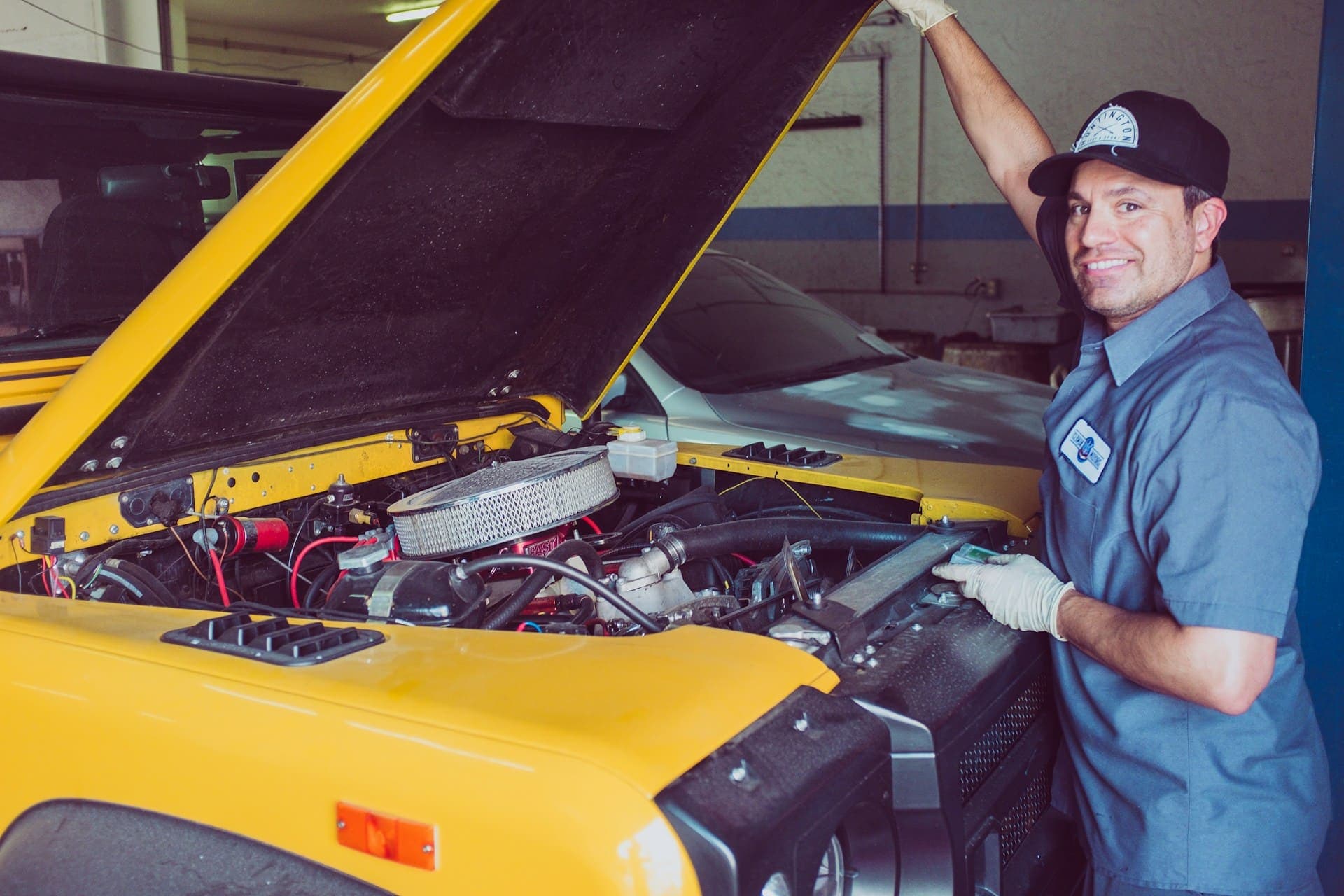
Invoice Mama is free auto repair invoice software with instant VIN lookup, insurance tracking on every document, and cloud-saved vehicle and customer records. Build fully customizable invoices and estimates with separate parts, labor, and shop fee line items. Everything is saved securely so returning customers are one tap away.
From Repair to Payment in 4 Steps
Look Up the Vehicle
Type or scan the VIN. Year, make, model, engine, and trim fill in automatically.
Build the Invoice
Add parts, labor, shop fees, and insurance details. Everything auto-calculates.
Send to Customer
Email or text a professional invoice with a built-in payment link.
Get Paid Instantly
Customer pays by card, Venmo, Zelle, or Apple Pay right from their phone.
Built for the Shop Floor
Everything your auto repair shop needs to invoice faster, get paid sooner, and keep customers coming back.
Instant VIN Lookup
- Type or scan a VIN and the year, make, model, engine, and trim fill in automatically
- Stop squinting at door jambs or asking the customer to repeat themselves
- Next time that car rolls back in, its full history is already on screen
Insurance Details Built In
- Attach insurance company, policy number, and adjuster contact to every invoice and estimate
- Collision and claim jobs come pre-loaded so you skip the back-and-forth
- Supplements go out faster and adjusters get what they need the first time
Cloud Saved, Never Re-enter Anything
- Customer info, vehicle records, and insurance details stay saved between visits
- Pull up a returning customer in one tap from the bay or the front counter
- Access everything from your phone, tablet, or shop desktop
Accept Payment Any Way They Pay
- Card, Venmo, Zelle, bank transfer, Apple Pay, Google Pay, and tap-to-pay
- Customers settle up at the counter or straight from the invoice link on their phone
- Stop holding cars because you are waiting on a check to clear
Fully Customizable Invoices & Estimates
- Add your shop logo, choose your colors, and set up parts vs. labor breakdowns
- Create custom fields for RO numbers, warranty terms, or anything else your shop needs
- Convert any estimate to a final invoice in one tap when the job is done
Parts, Labor & Shop Fees Separated
- Break every line item into parts, labor, shop supplies, sublet, and disposal fees
- Customers see a clear breakdown before signing off, which builds trust at the counter
- Tax calculates automatically per category so nothing slips through
Every Job Type Covered
Whether it is a quick oil change or a full engine rebuild, Invoice Mama handles the paperwork.
Collision & Insurance Claims
Attach policy numbers, adjuster contacts, and claim details to every estimate and invoice. Supplements go out faster.
Multi-Vehicle Fleet Billing
Store full vehicle records for fleet customers. Invoice per vehicle or batch multiple repairs under one billing cycle.
Walk-In Quick Service
Oil changes, tire rotations, brake pads. Build a clean invoice in seconds and collect payment at the counter.
Major Repair Estimates
Send detailed estimates with parts and labor breakdowns. Convert to a final invoice with one tap once the customer approves.
How Invoice Mama Compares
See why shops switch to Invoice Mama from expensive legacy software.
| Feature | Invoice Mama | Shopmonkey | Mitchell1 | NAPA TRACS Pro | Jobber | Housecall Pro |
|---|---|---|---|---|---|---|
| Starting price | $0-$9.99/mo | $199/mo | $175/mo | $149/mo | $49/mo | $65/mo |
| VIN auto-lookup | Yes, instant | Yes | Yes | Yes | No | No |
| Insurance info on invoices | Yes | Limited | Yes | Yes | No | No |
| Cloud-saved customer data | Yes, free | Yes | Yes | Yes | Yes | Yes |
| Payment options | Card, Venmo, Zelle, Apple Pay, Google Pay, ACH | Card only | Card only | Card only | Card, ACH | Card, ACH |
| Customizable templates | Fully customizable | Limited | Limited | Limited | Yes | Yes |
| Parts/labor split | Yes | Yes | Yes | Yes | No | No |
| Mobile invoicing | Yes, any device | Yes | Desktop only | Desktop only | Yes | Yes |
| Free plan | Yes | No | No | No | No | No |
| Estimate to invoice | One tap | Yes | Yes | Yes | Yes | Yes |
Pricing as of 2026. All trademarks belong to their respective owners.
What Business Owners Say
“Best app for the auto repair industry. As a field tech, Invoice Mama makes my job so much easier. I can create invoices and receive payments on the go. The customizations are unlike any other app I've tried.”
“Works great for small business. Very easy and convenient to use. Fast invoicing on phone, customers can pay right from the invoice link, and the customer service is always quick to help if you need anything.”
Simple, Transparent Pricing
No hidden fees. No long-term contracts. Cancel anytime.
- VIN lookup included
- Insurance tracking built-in
- Parts, labor & shop fees split
- Unlimited invoices
Resources to Help You Grow
Guides, tools, and tips to streamline your business.
What to include on a contractor invoice
A U.S. checklist of what to put on a contractor invoice: your business name, the job, line items, tax, totals, and when payment is due.
Auto Repair Invoice Template
Download a free, customizable auto repair invoice template with parts and labor sections.
Invoice Generator
Create a professional invoice in seconds with our free online invoice generator.
Frequently Asked Questions
Common questions about invoicing for this industry.
Is there free auto repair invoice software?
Yes. Invoice Mama offers a free plan that includes unlimited invoices, VIN lookup, insurance tracking, parts and labor line items, and branded PDF sending. You can upgrade for advanced features like recurring invoices and payment processing, but the core invoicing is free forever.
How does the VIN lookup work?
Type or scan a VIN number and Invoice Mama automatically fills in the year, make, model, engine, and trim. No need to enter vehicle details by hand. The data is saved to the customer profile so next time that car comes in, everything is already there.
Can I store insurance information on invoices?
Yes. You can attach insurance company name, policy number, claim number, and adjuster contact info directly on invoices, estimates, and customer profiles. This is especially useful for collision and body work where you need insurance details on every document.
What payment methods can my customers use?
Invoice Mama supports credit and debit cards, Venmo, Zelle, bank transfers (ACH), Apple Pay, Google Pay, and tap-to-pay. Customers can pay at the counter or from the payment link on their invoice. You pick which methods to offer.
Is my data safe in the cloud?
All customer, vehicle, and invoice data is encrypted and securely stored in the cloud. This means you can access it from any device, never lose records, and never have to re-enter details for returning customers. Your data is backed up automatically.
Can I customize my invoices and estimates?
Completely. Add your shop logo, change colors to match your brand, rearrange line item sections, toggle parts vs. labor breakdowns, and create custom fields for RO numbers, warranty info, or anything else your shop needs. Estimates are just as customizable.
Can I separate parts and labor on an invoice?
Absolutely. Invoice Mama lets you categorize every line item as a part or labor charge. The invoice subtotals each category so your customer sees a clear breakdown before the grand total.
Can I turn an estimate into an invoice?
Yes. Create an estimate or repair order, send it for approval, then convert to a final invoice with one tap. All vehicle info, line items, insurance details, and notes carry over automatically.
You fixed the car. Let us handle the paperwork.
Look up VINs instantly, store insurance details, accept payment however your customer prefers, and send polished invoices from the shop floor. Everything stays saved in the cloud so you never type the same info twice. Get paid faster, spend more time turning wrenches.
Start Invoicing FreeFree forever. No credit card needed.